Valentine card created for tutorual
Real Time Coloring, Videos

How to use multiple pattern papers on one card

Todays card have combined multiple pattern papers and dies to make a colorful valentines card. It’s topped off with a copic colored digital stamp called Carley Cupid by Stamp Anniething. There is two videos, one for the cardmaking and one for you coloring lovers out there, I’m back with a real-time coloring video too.
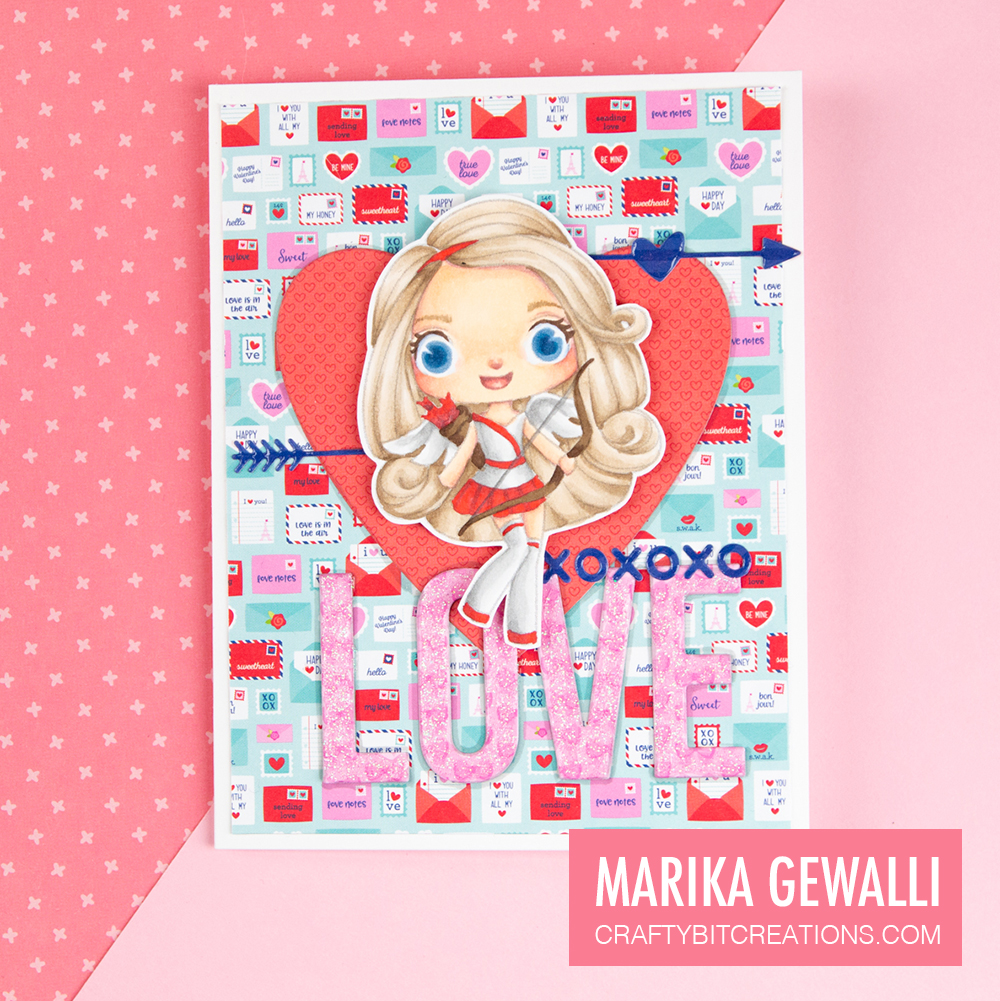
Display card created if you follow the tutorial
Carley Cupid Valentine Card

You can find the videos HERE and HERE

This card was started with that I yet again saw a beautiful card made by Stampin Steve and I knew I needed to finally bite the bullet and get me some Stamp Anniething stamps. When jumping on the site I saw there also were a couple of digital stamps I decided to start there.
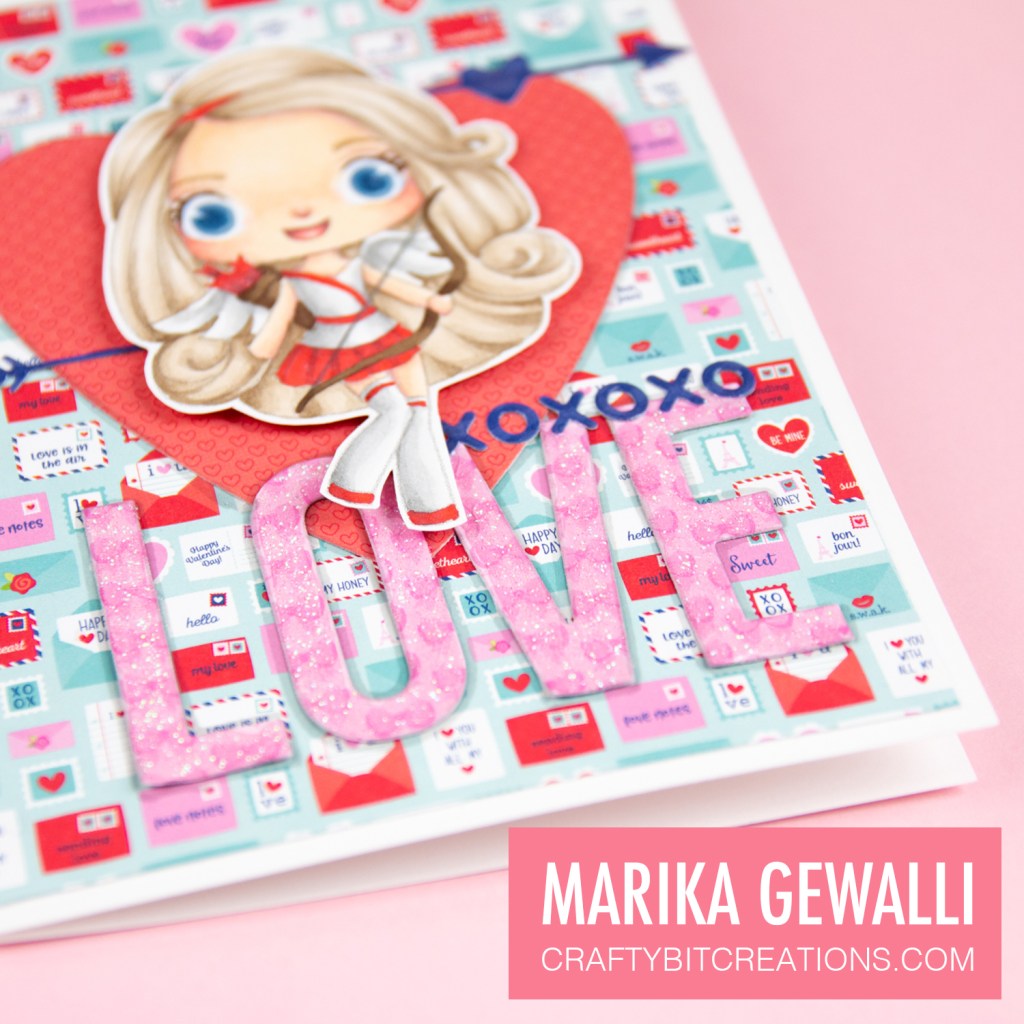
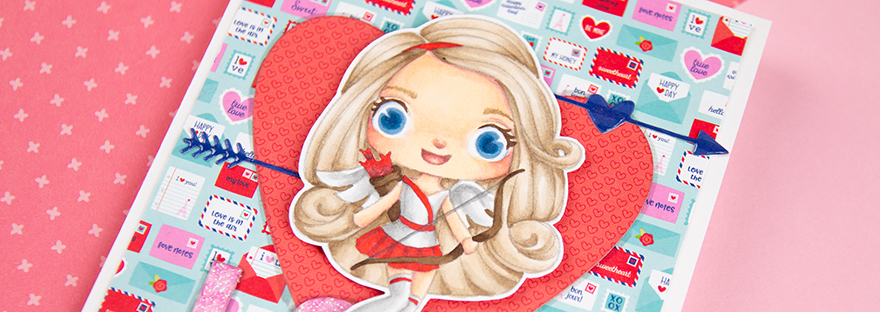
Close up of valentine card created for tutorial
Carley Cupid Valentine Card

This all came together very fast as I really, really wanted to use Carley Cupid and Valentines is coming fast. When this goes live it should only be on day left (it’s actually only two days left as I write this), and I really wanted to get it up before.

I decided to yet again play around with the no-line coloring technique and before choosing colors I had a little flip through some of my pattern papers and I ended up going pattern paper crazy. So decided for a simple and limited color scheme on the the cute little girl.

Hope you enjoyed my card and tutorial and Happy Valentines!

Copic:

E50, E00, E21, E11, E04, R30, R32, E41, E42, E43, E44, E47, B60, B63, B23, B37, B39, T0, T2, T4, 0, R24

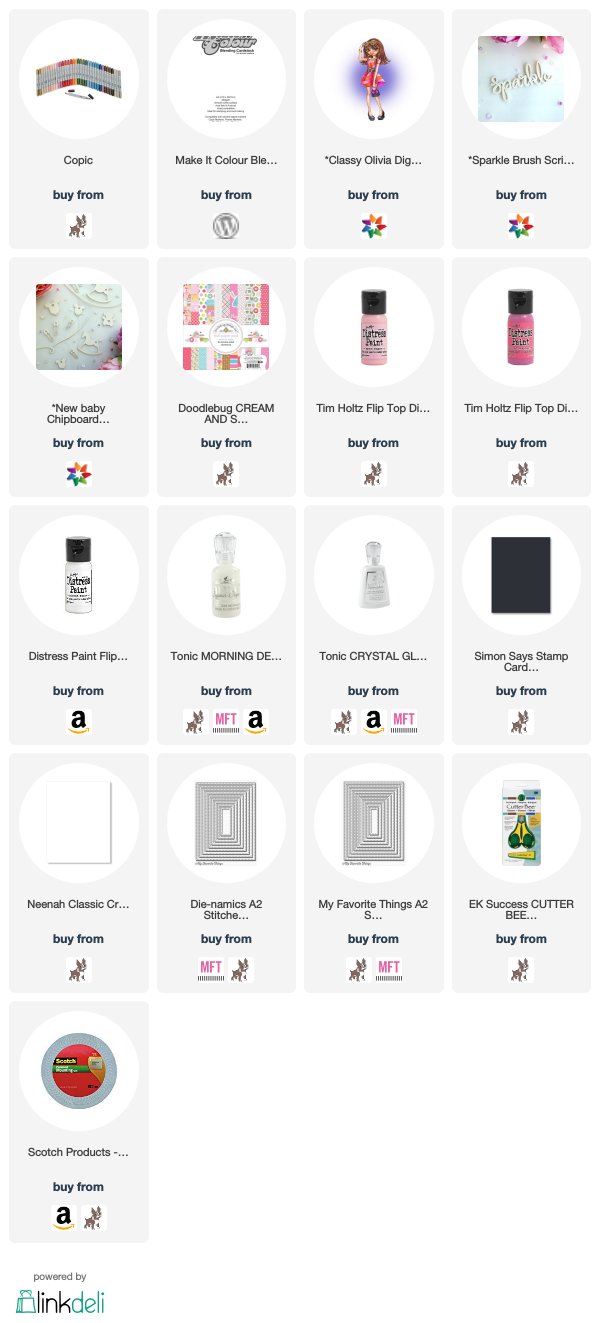
Supplies:

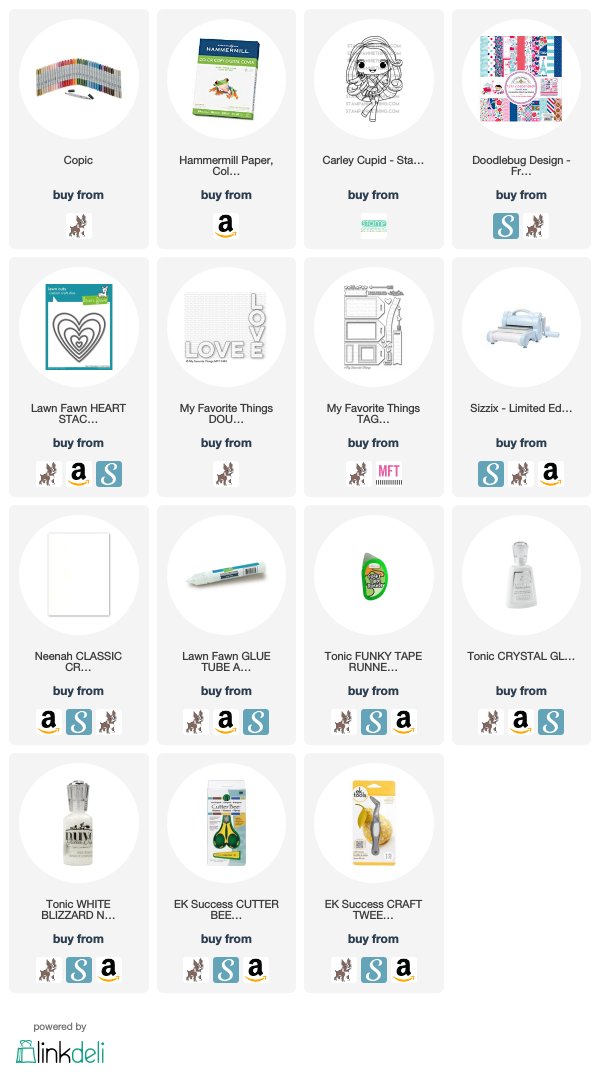
When possible affiliate links are used, this means that I receive a small commission when products are purchased through the links (at no extra cost to you) I use the money to support my blog and youtube channel. If you like my projects and tutorial please consider supporting me by clicking through these links when you shop. Thanks!
https://linkdeli.com/widget.js?1559654439292
Design Teams, Make It Crafty, Real Time Coloring, Uncategorized, Videos

Venora the Royal

Hi Everyone!

Marika here with another card, and today’s card is a continuation of the card I posted here 2 weeks ago. Do you like me find digital stamps that you really love but you would love even more if you just could replace on part, on accessory? Well you can! This is sounding way to much like a commercial but it’s true!
At Make It Crafty you can find loads of digital stamps and some of them has like Alwina the Good Witch from the previous card post accessories that you can add to the main image. When Alwina was released there where a couple of other stamps that also was released with the same possibility. And by the way if you aren’t a fan of halloweeny images or just want some more summery images, there was also a release with summer babes in bikinis that also have a bunch of accessories. But back to the card at hand.

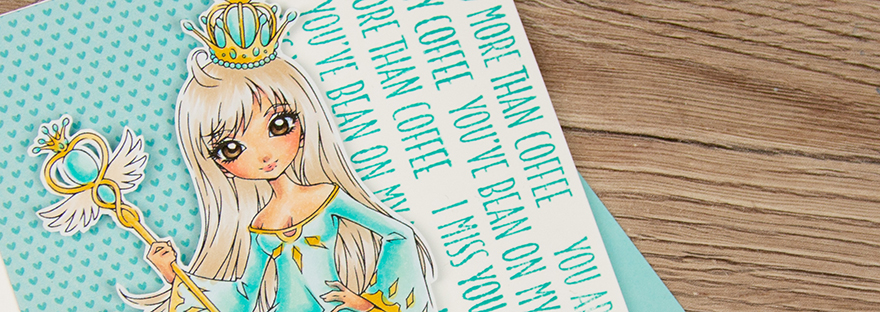
The image I’m using today is Venora the Wizard, she is the sister of Alwina and Esmeralda which all three got some extra accessories, that you get if you buy the images. The first time I saw Venora I thought that her clothing was very reminiscent of old Swedish Kings, so this time around I wanted to make her a royal too. So instead of adding her accessories, which is a wizards hat, a gnarly looking staff and a cape, I gave her the spire and crown from Alwina, and a Royal Venora was born.

As I wanted to keep as much of the previous cards aesthetics I dug up a pattern paper that had the same pattering as from the previous card but in a different color (I was just very lucky that I found it). However when adding the character to the card I felt it left to much white space, but I fixed that by stamping my sentiments all over that side of the card and the card felt much more even. If you want to know more about that or see how I colored Venora you can look at the videos below.

Copic:
Clothes: BG45, BG10, BG0000, Y21, Y26
Skin: E50, E00, E21, E11, E04, R30, R32
Hair, Eyes & Belt: E40, E41, E42, E43, E44, E47, E49

Supplies:

When possible affiliate links are used, this means that I receive a small commission when products are purchased through the links (at no extra cost to you) I use the money to support my blog and youtube channel. If you like my projects and tutorial please consider supporting me by clicking through these links when you shop. Thanks!


https://linkdeli.com/widget.js?1531470176574

Coloring, Design Teams, Make It Crafty, Real Time Coloring, Videos

Sparkling Queen | Coloring Sparkle Effects

Hi Everyone! Have you heard yet that the coloring challenges are ending? Well there is one last left, and it’s as easy as can be as it is Anything Goes! With the challenges ending I knew I wanted to “go out with a bang” (don’t worry, I’m not going any where). But I wanted to create something spectacular, but at the same time very much me, clean and simple with a twist.

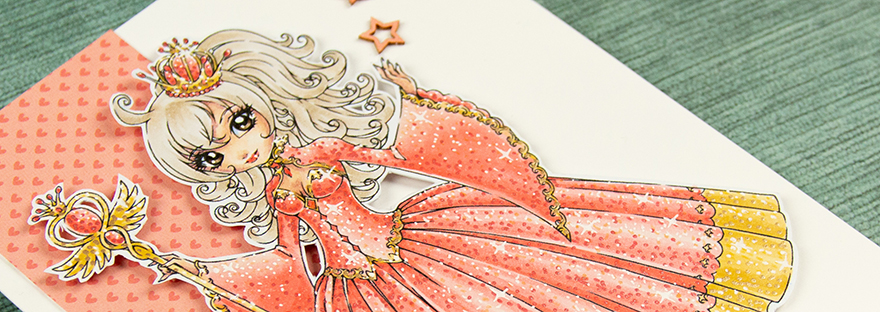
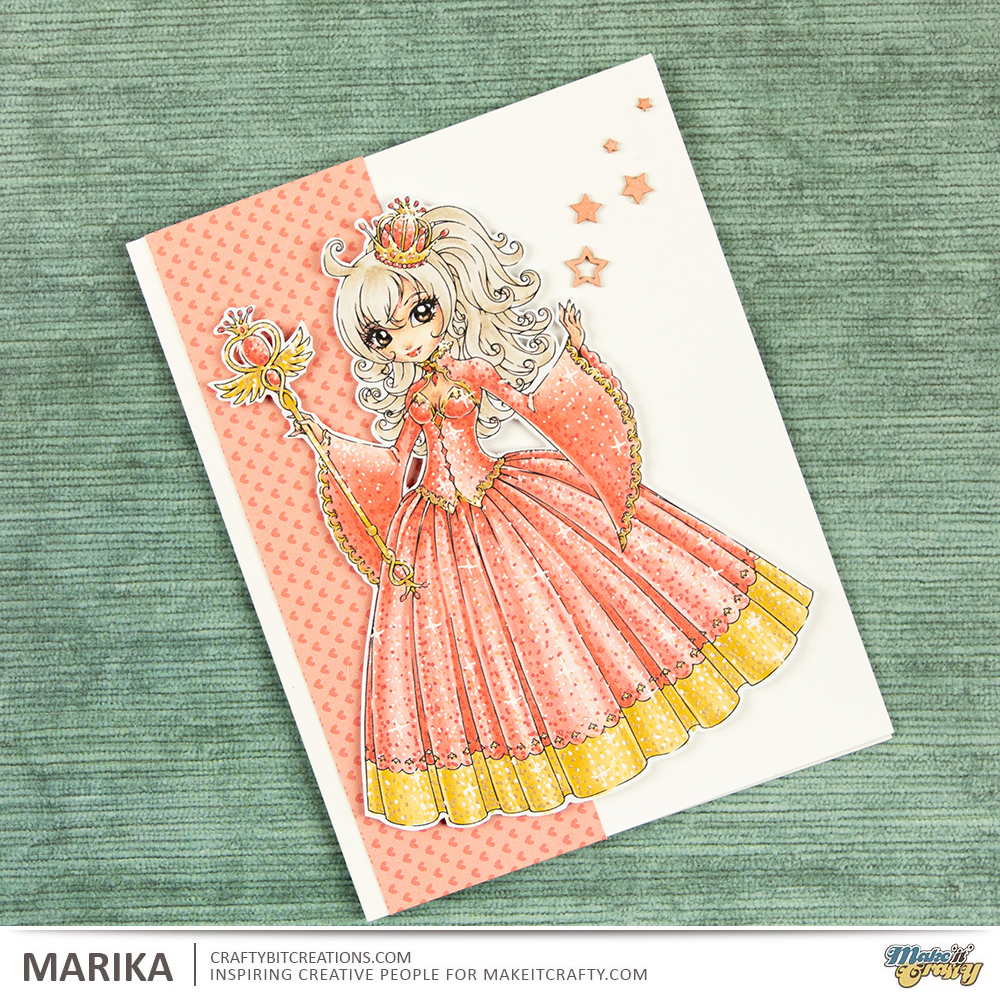
So todays twist is coloring glitter effects! Zoe introduced me to this technique and I want to add it to everything, but I’m trying to keep myself a little bit contained tho. But with this being the last I’m adding to my whole character. I’ve choosen to go with Alwina the Good Witch and with her spire and crown I felt she looked like a queen so that is what I went with.

I choosed to go with reds and yellow as they are royal colours, but I wanted it to be towards the softer spectrum, so she is more coral than red and then I went with my favourite yellows for the golden tone. With the colors being very soft and I didn’t want her hair to be the focal part, I choose to go with a ash blond color. Then I went to town on adding all the sparkles, there is two videos for that, you can either look at the card making video and get the sped up version or you can go for the real time and see every little dot as I made them.
I had printed Alwina out rather on the bigger side (well big for me, she still fits on an A2 card size, 4 1/4″ x 5 1/2″) so there was not much room for anything else, and also I really wanted her to be the crown of the card. So I finished it up with a little strip of pattern paper that both matches the dress but also simplifies the silhouette, and some chipboard pieces to make the card a little more even.

Copic:
R00, R21, R22, R14
Y21, Y26
E50, E00, E21, E11, E04
E40, E41, E42, E43, E44, E47, E49, B63

Supplies:

When possible affiliate links are used, this means that I receive a small commission when products are purchased through the links (at no extra cost to you) I use the money to support my blog and youtube channel. If you like my projects and tutorial please consider supporting me by clicking through these links when you shop. Thanks!


Coloring, Lawn Fawn, Real Time Coloring, Videos

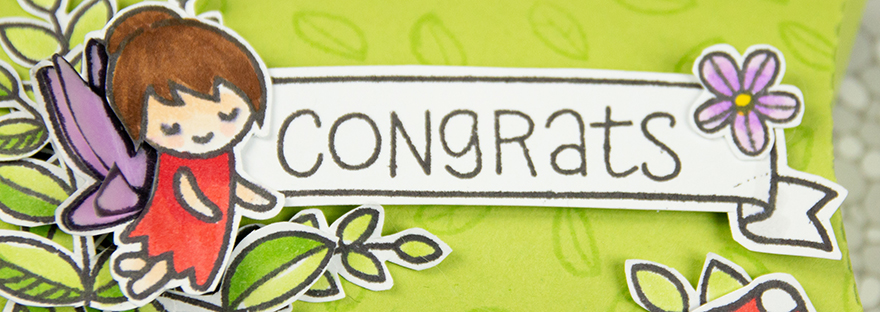
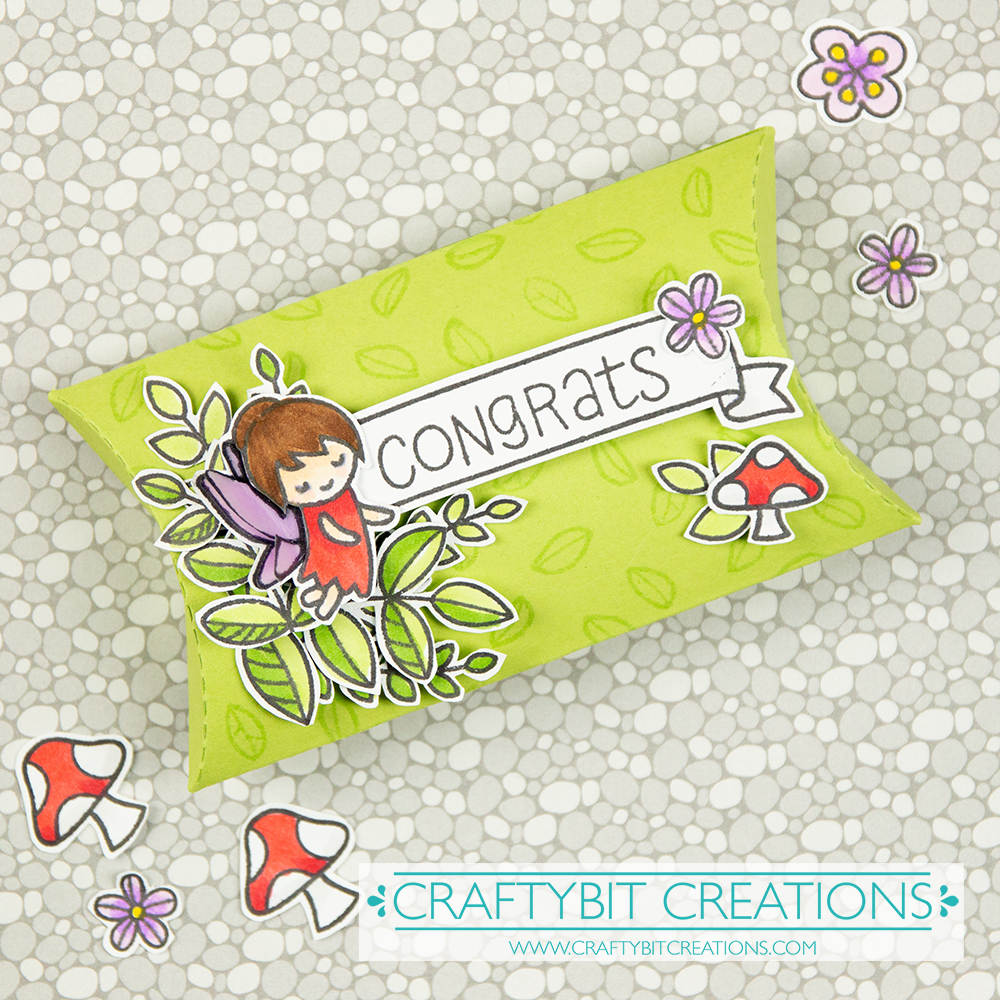
Flowers, floral and foliage | How to decorate a pillow box

Hi Everyone! Do I have something fun for you today! I love challenges, and I’m trying to get back to entering some, as it was a long time since. It was also way to long since I was using my Lawn Fawn stamps so decided to join the Lawn Fawnatics Challenge this week which is Flowers, Floral & Foliage.

As usually when starting out for any challenge I collect all my stamps set and dies that could suit the challenge, and doing that I saw my pillow box die and a plan started growing. Something I love doing is creating groupings of foliage in a corner and add flowers and other details to that group. So that is what I decided I wanted to do.

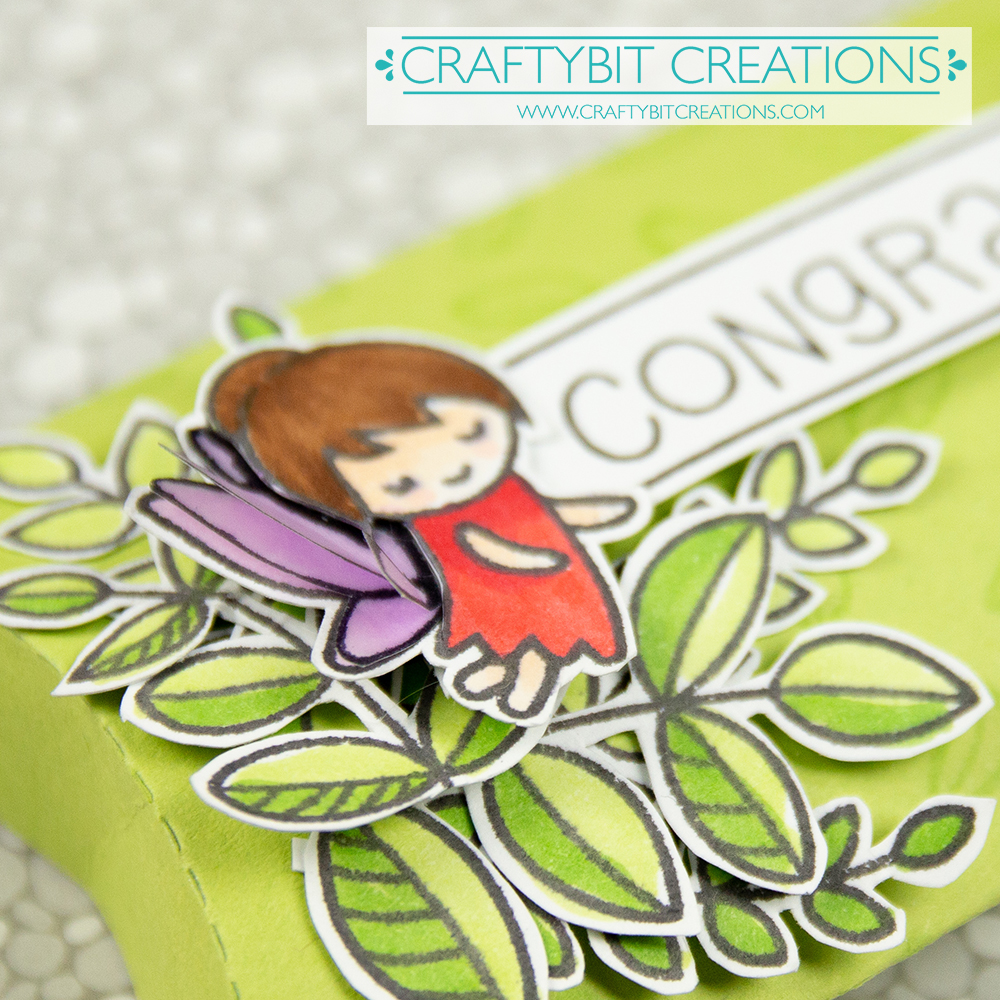
I started with some tone on tone stamping on the pillow box, this will make the background not so plain, but at the same time be so soft that it won’t compete with our details. I then stamped up loads and loads of foliage and detail stamps from multiple stamps sets, colored them all in with copic markers and cut them all out. When doing this kind of creations is when I miss not having the coordinating dies.

Then I layered all the different images and glued them down, and the box was finished. If you want to see in more details every set, watch the video below. Where you also find the real time coloring video where I go through the coloring. Also for all the pens and materials used, you find that detail underneath the videos as always. Happy Crafting!

Copic:
YR03, YR17, R24, R46, Y08, Y04, T0 V01, V04, E50, E21, E57, E59

Supplies:

When possible affiliate links are used, this means that I receive a small commission when products are purchased through the links (at no extra cost to you) I use the money to support my blog and youtube channel. If you like my projects and tutorial please consider supporting me by clicking through these links when you shop. Thanks!

Coloring, Design Teams, Make It Crafty, Real Time Coloring, Videos

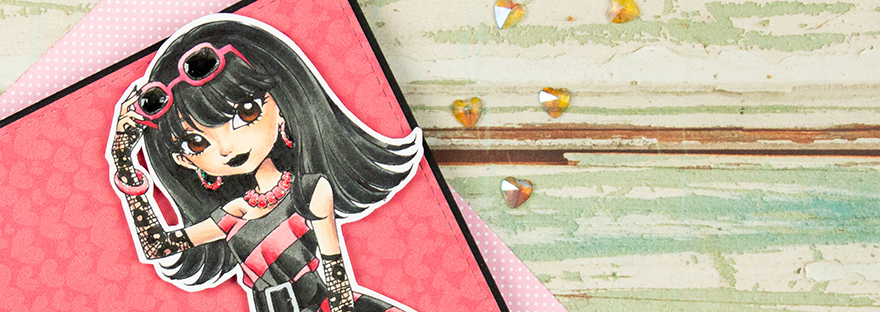
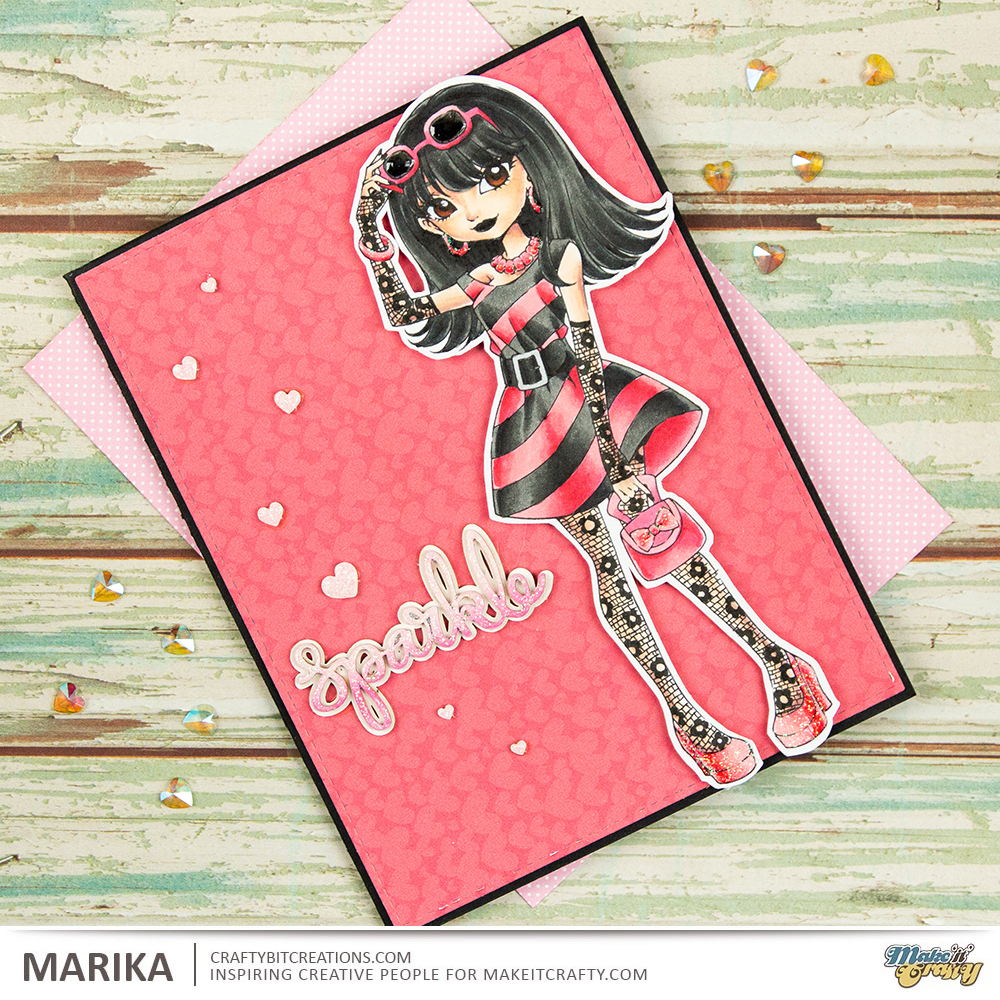
Classy Olivia goes Goth! | How to change the style of an image by adding details with a multiliner

Hi Everyone! Marika here with another card and video tutorial. You might have seen this card before as it was featured on the Make It Crafty challenge a couple of months ago, (just looked it up, it was in february!!!). I finally gotten to edit the video and I really wanted to share it with you.

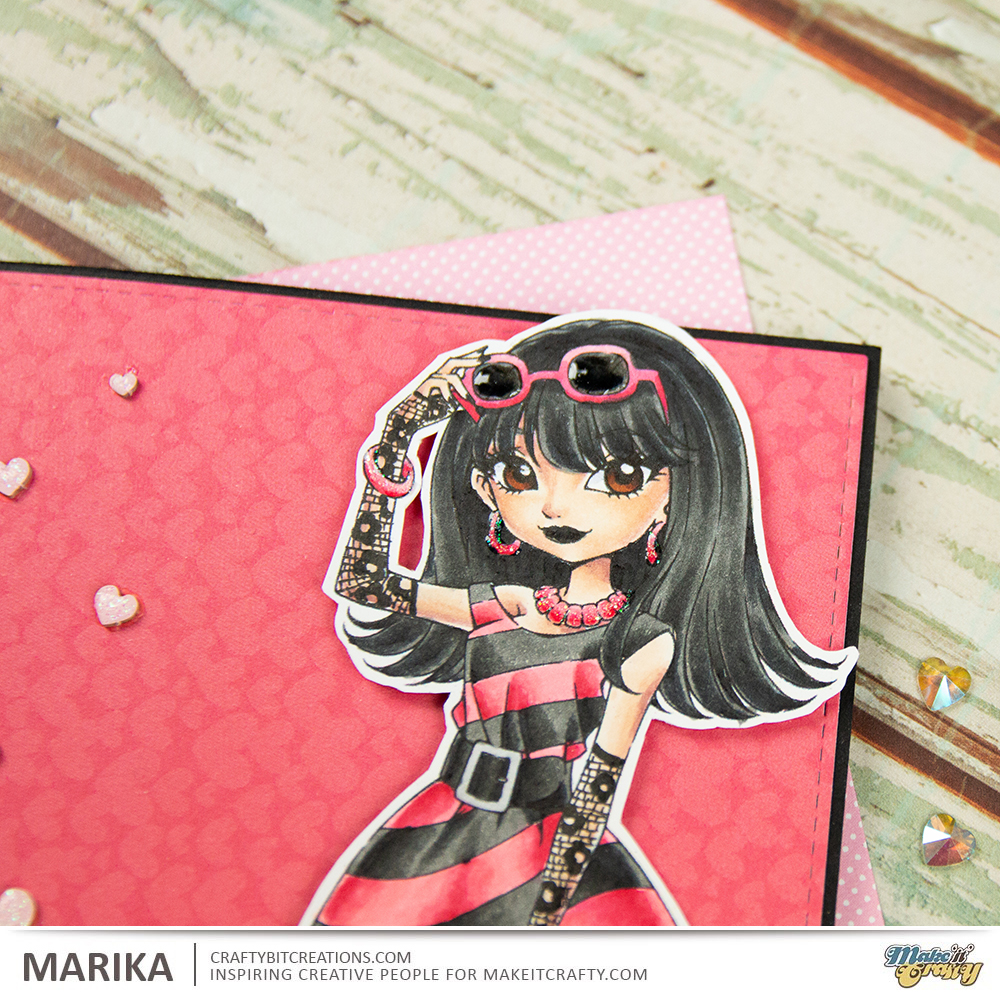
So the challenge (in february?!) was to add details with a multiliner, it could really be anything, adding another pattern on a dress, really anything. Just before creating this card, Nicoletta shared her card in our design team group, and I just piggybacked on it. She added net tights on her character and just had to add some on mine, but with a twist.

When I was young I had a pair of lacy fingerless gloves, they where red and one of my priced possessions. Funny thing is that I loved them just as much when I was a toddler as I loved them when I was a mid teen, and I did use them. And that together with Nicolettas card made me create this one.

I really love taking Classy Olivia, which is a very posh girl, and just by adding those details, the lacy tights and and the lacy fingerless gloves, and also adding another color scheme, she is transformed to someone that is a little more like me, well the 16 year old me anyway.

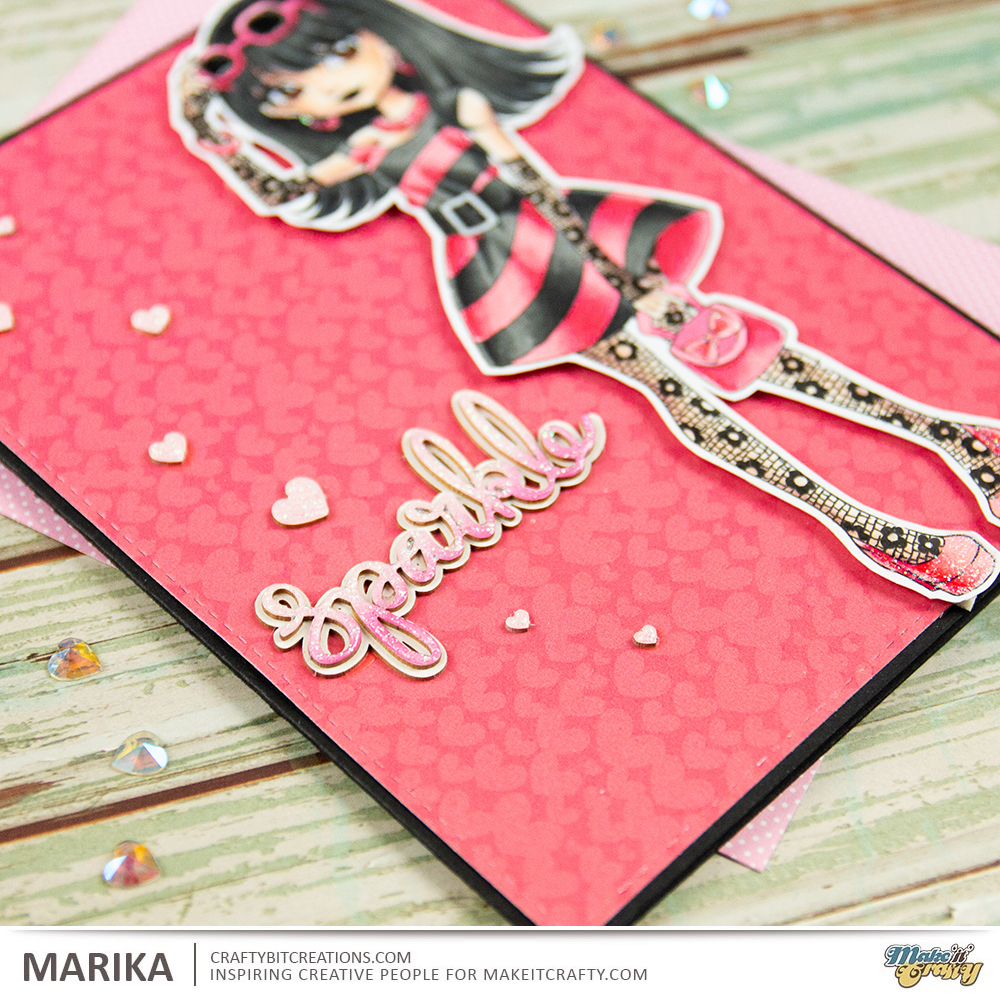
With all the details in the card I felt I wanted to make the card clean and simple, I love clean and simple cards, but clean and simple doesn’t need to be colorless. So I choose a very punchy paper, that had a very light pattern, put that on a black cardbase, I even decorated the inside so that you can write on it without a white gel pen. I then added a sentiment from cardboard pieces, and the last details was a couple of hearts. As usual if you want to see the process you can watch the videos below.

Copic:
RV21, RV23, RV25, RV29
T6, T8, T10, 100
E50, E00, E21, E11, E04
E39, E29, E49, B63

Supplies:

When possible affiliate links are used, this means that I receive a small commission when products are purchased through the links (at no extra cost to you) I use the money to support my blog and youtube channel. If you like my projects and tutorial please consider supporting me by clicking through these links when you shop. Thanks!


https://linkdeli.com/widget.js?1529497022105

Coloring, Create A Smile Stamps, Design Teams, Real Time Coloring, Videos

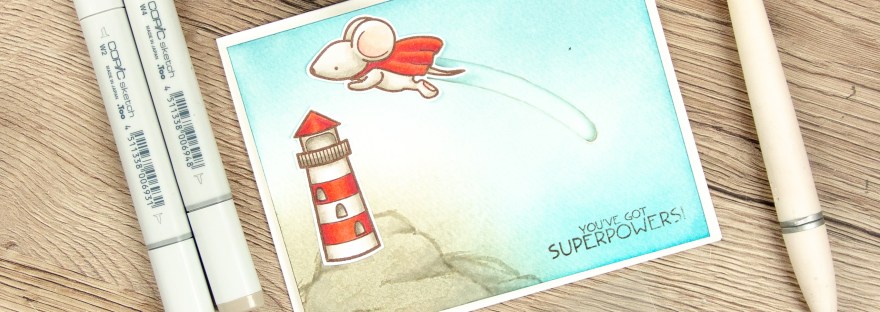
You Got Superpowers | Interactive Slider Card

Hi Everyone! Got a new interactive slider card for you today. I love making interactive cards, some more fiddly than others but this one is very simple and very quick to make.

There are so many tools out there today that you can use to make your interactive card, but today I’m just using a craft knife and a pencil, making a very simple track but which fit perfectly for the card I’m making. I’ve made a video below to show you every step to make the card, and I’ll give you a couple of tips along the way.

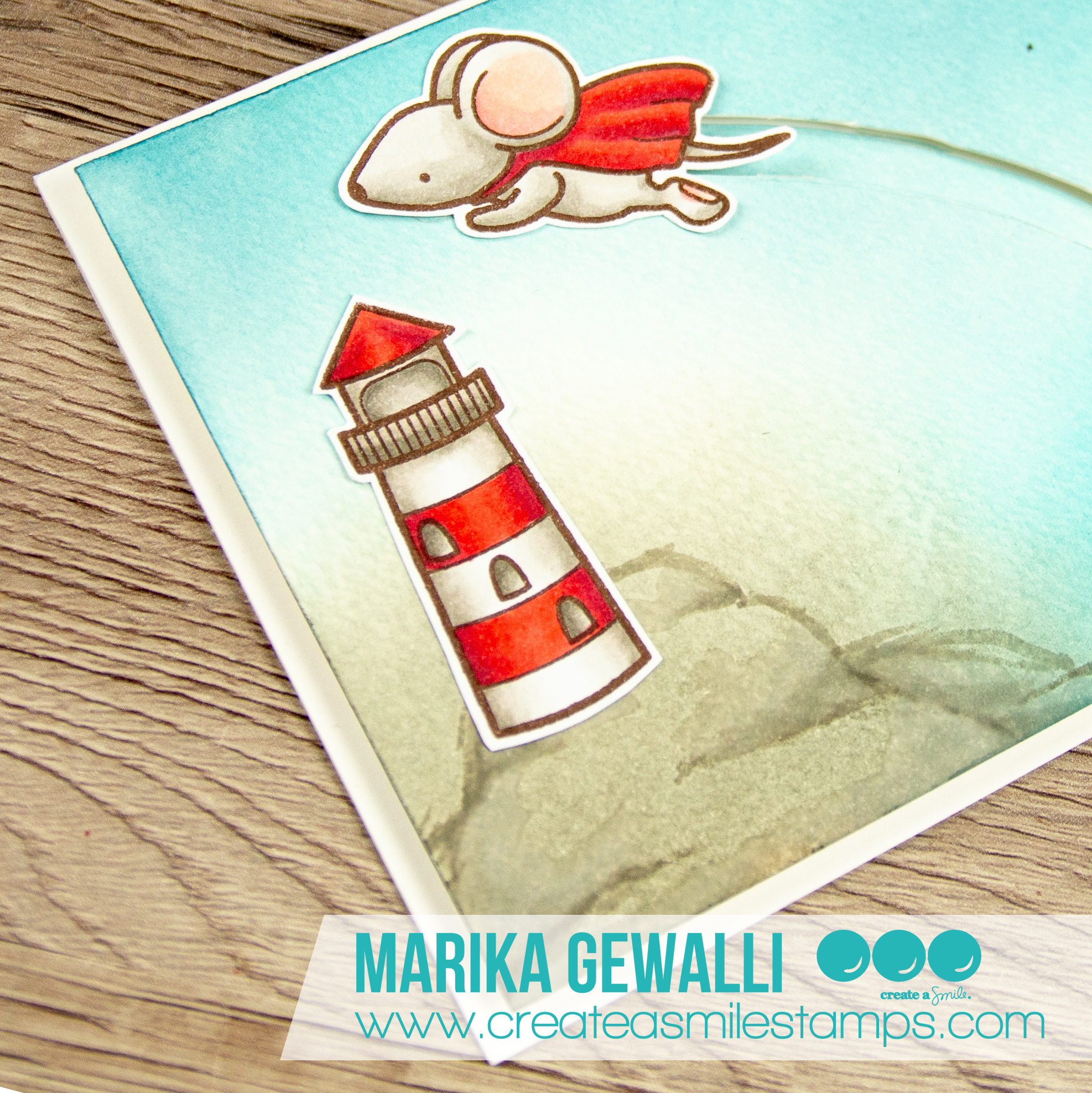
Sometimes you get an idea to a card the first time you see the stamp set, and I knew that I just needed to make a slider card together with the super mouse from the Superpowers stamp set by Create A Smile Stamps. I wanted to make him fly over something so I dug through the other stamps I had by Create A Smile and I found the Glowing Seaside stamp set with the awesome lighthouse. That coupled with me being on vacation to the west coast of Sweden, which have loads of lighthouses really set the mood to the card and it all came together.

I decided to make a very soft background, just blending on a couple of colors of distress inks, I decided to use Mermaid Lagoon, Pumice Stone, Stormy Skies and Hickory Smoke, but after doing the blending I felt that the hill that I wanted to set the lighthouse on needed a little bit more definition. So I grabbed my trusty Copic Markers and loosely sketched it out, with just a tiny tiny blending. If you choose to do that to, remember that Copic don’t recommend you using the markers over any medias, and that drawing on top of other pigments can ruin your nibs, so it’s on your own risk you do this. Also watercolor cardstock is very porous and will use loads of your ink from your pens, but I felt safe as I used it so little.

Hope you enjoy the card and I see you next week.

Copic:

Mouse: W0, W2, W4, R30, R32, R24, R27, R46, R39
Lighthouse: W0, W2, W4, W6, R24, R27, R46, R39

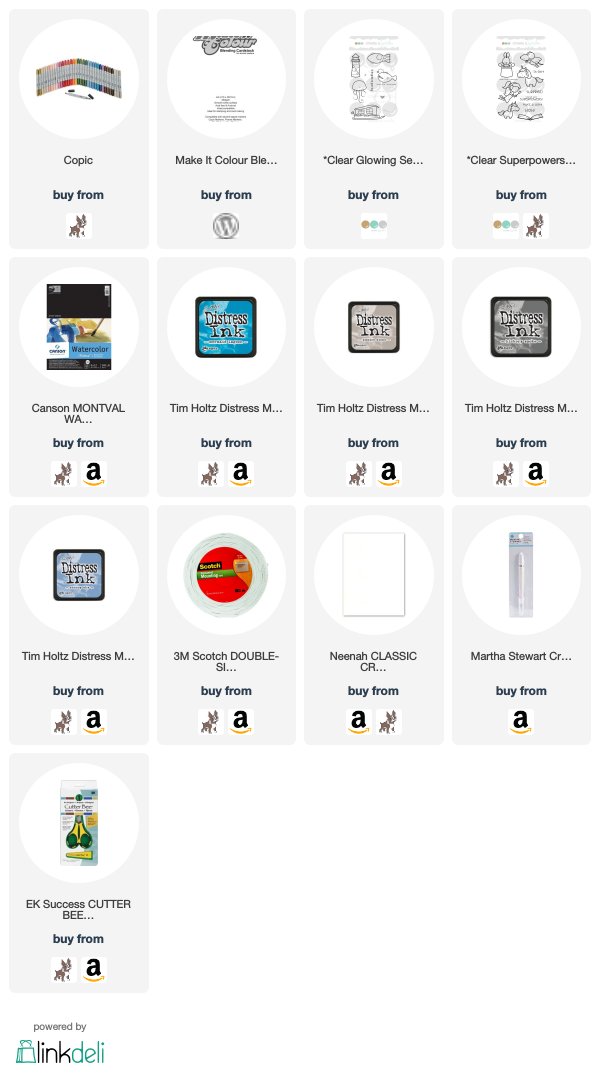
Supplies:

When possible affiliate links are used, this means that I receive a small commission when products are purchased through the links (at no extra cost to you) I use the money to support my blog and youtube channel. If you like my projects and tutorial please consider supporting me by clicking through these links when you shop. Thanks!


https://linkdeli.com/widget.js?1529497022105

Coloring, Design Teams, Make It Crafty, Real Time Coloring, Videos

You’re My Bestie | Watercolor Background

Hi Everyone, did you like my dragon last week? I had so much fun creating it, and while looking for a image to use for that card I came across the image I’m using in todays card.

The stamp I’m using is called Sam’s Lizard and is by Make It Crafty, I used the same technique for the scales on the lizard as for the the dragon on last weeks card. I fell in love with the adorable face of Sam and I do not color enough guys or make enough guy cards.

The whole card is in neutral tones, which both works great for male cards but also lends it self for more storybookesk cards. I colored Sam and his Lizard with Copic Markers and added details with a couple of pencils. You really don’t need a full set of pencils, you can come very far with just 12 pen set if you are just using it for details like these, but if you are like me you might want them all.

I knew I wanted to have a very soft background, I was thinking sitting on a wooden dock by the water, but couldn’t find a good digi for it, and then I dawned on me that I wanted the stone wall. So I googled stonewalls to find different sorts, decided on what kind I wanted and sketched one up on my watercolor cardstock. Using watercolors for soft backgrounds are great, they give those soft and watery colors. I have a small 12 pan Winsor & Newton Cotman set, you really don’t need more and it’s a great way to get into watercolors as they are the “student” set and are actually quite affordable.

To get a cohesive look I started off by mixing a grey tone, this set doesn’t have a black, but it’s quite easy to blend together a greyish tone, I used a cold blue and a orangey red to get a purply grey. Then for every color I then add a little of that color and it ended up being really cohesive. I even colored the chipboard sentiment with the same colors to make it tie in.

And you really don’t need any fancy things either to watercolor, the smaller brush I’m using is a Cotman brush and really affordable and then I’m using a IKEA 365+ plate to mix on, have found that I really enjoy mixing on porcelain as the colors have a tendency to bead on plastic but they flow on porcelain.

If you want to see how I created the whole card I have both the card video and the real-time coloring video, you can choose which ever you like the best, or watch both if you want.

Copics:
Skin: E50, E00, E21, E11, E04, R30, R32
Hair: E41, E42, E43, E44
Clothes; E42, E43, E44, E47, T0, T2, T4, 0
Lizard YG01, YG03, YG25, Y17, Y35

Supplies:

https://linkdeli.com/widget.js?1529497022105

When possible affiliate links are used, this means that I receive a small commission when products are purchased through the links (at no extra cost to you) I use the money to support my blog and youtube channel. If you like my projects and tutorial please consider supporting me by clicking through these links when you shop. Thanks!

Coloring, Design Teams, Make It Crafty, Real Time Coloring, Videos

Fiery Dragon – Coloring Scales

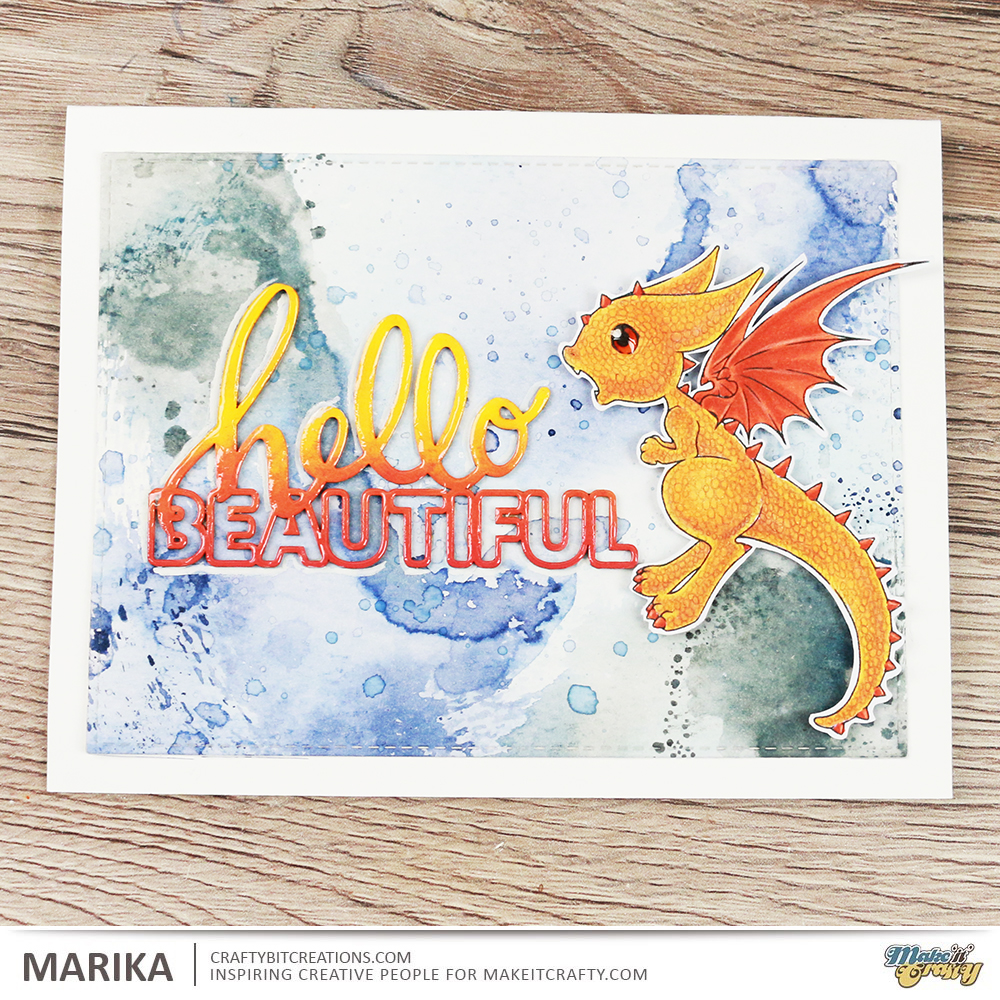
Hi Everyone! I’m here with another card and another tutorial. Today I’m following this months coloring challenge from Make It Crafty, color ANIMALS, with an emphasis on animal textures, feather, fur and scales. Zoe likes to challenge us DT girls a little extra, and this time around she gave us the specific texture to work with. I got scales, and actually did a bunch until I settled on the one I made for this post, You’ll find them at the end of the post.

But first to today card and videos. I ended up choosing the Fiery Dragon, I colored him up before, I even have the honor to have my coloring being on the front of the package for the dragon! Btw I’ve used the digital stamp but you can also get him as a rubber stamp, and right now there is a great sale on rubber stamps!

I have colored Fiery in some gorgeous yellows and oranges with my copic markers and then added the scales with some colored pencils. I then made a smootching background in some blue and greys, I choose blue as it is the complimentary color to orange. I also used Hello Beautiful Chipboard Word and colored it with ditress paints in the same color scheme as the dragon.

Copic:
Y17, Y38, YR15, V12
YR07, YR18, V15

Polychromos:
Ivory, Burnt Ochre, Walnut Brown, DarkChrome Yellow

As I said I did a couple of test, playing with scales, I do really love them but they are very time consuming so decided not to reproduce them for video and go for the dragon instead. But I thought I share them here too to give you some more examples to what you can do for the challenge.

Supplies:

When possible affiliate links are used, this means that I receive a small commission when products are purchased through the links (at no extra cost to you) I use the money to support my blog and youtube channel. If you like my projects and tutorial please consider supporting me by clicking through these links when you shop. Thanks!


https://linkdeli.com/widget.js?1528278883368

Coloring, Design Teams, Make It Crafty, Real Time Coloring, Videos

Spring Skies

Hi Everyone!

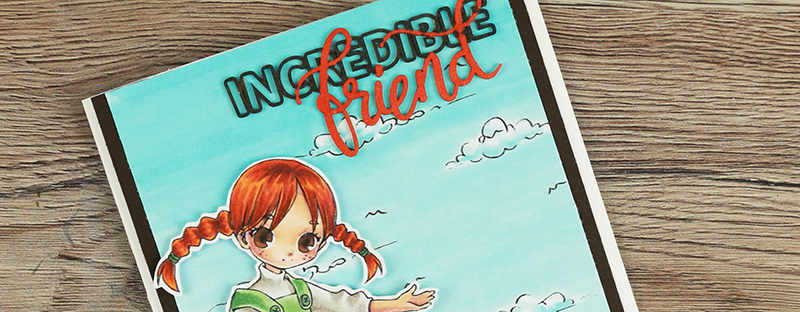
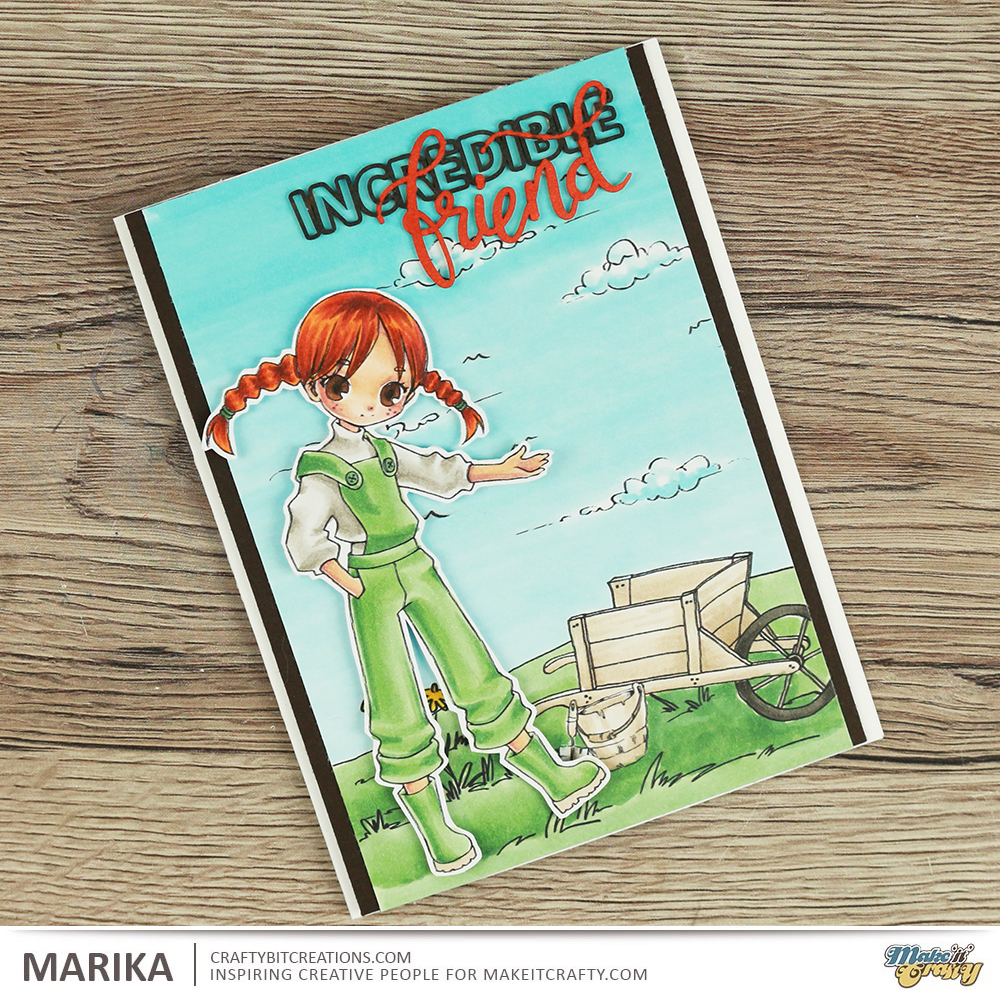
Gosh it’s been a month! My new job is keeping me busy and I have a few more things that is keeping me occupied, more of that another time. I finally got a couple of videos edited so today you get my Spring Skies duo. If you haven’t joined in with the spring skies coloring challenge over at Make It Crafty I really recommend you do! It’s loads of fun!

If you are unsure what to do you will find all the details over at the challenge page and there you also find a real awesome discount offer on the Coloring Skies E-book which was a steal even before the discount. So come and join us!

For some more inspiration and a tutorial you can see the videos below of how I made the Incredible Friend card, loads of great tips and tricks on how to color a sky.

Copic:
Skin: E00, E00, E21, E11, E04, R30, R32
Sky: B000, B00, BG01
Wheel barrow and bucket: E41, E42, E43, W0, W2, W4, W6, W8, W10
Grass, boots, overalls: G21, G24, G46
Shirt: W0, W2, W4
Hair: YR16, YR18, E08, E18
Flower: Y08, Y26, Y38
Eyes: E57, E59, E49

Supplies:

When possible affiliate links are used, this means that I receive a small commission when products are purchased through the links (at no extra cost to you) I use the money to support my blog and youtube channel. If you like my projects and tutorial please consider supporting me by clicking through these links when you shop. Thanks!

30 Day Coloring Challenge, Coloring, Real Time Coloring, Videos

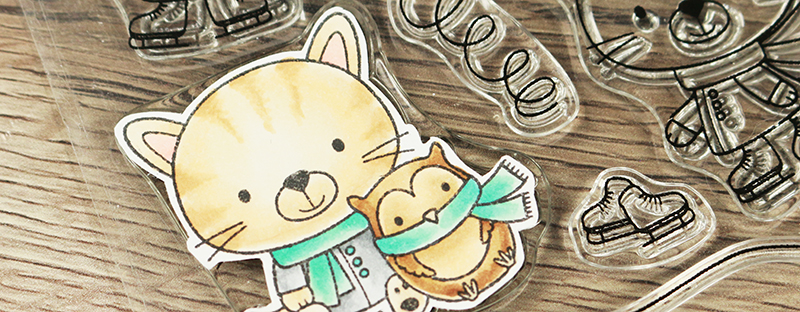
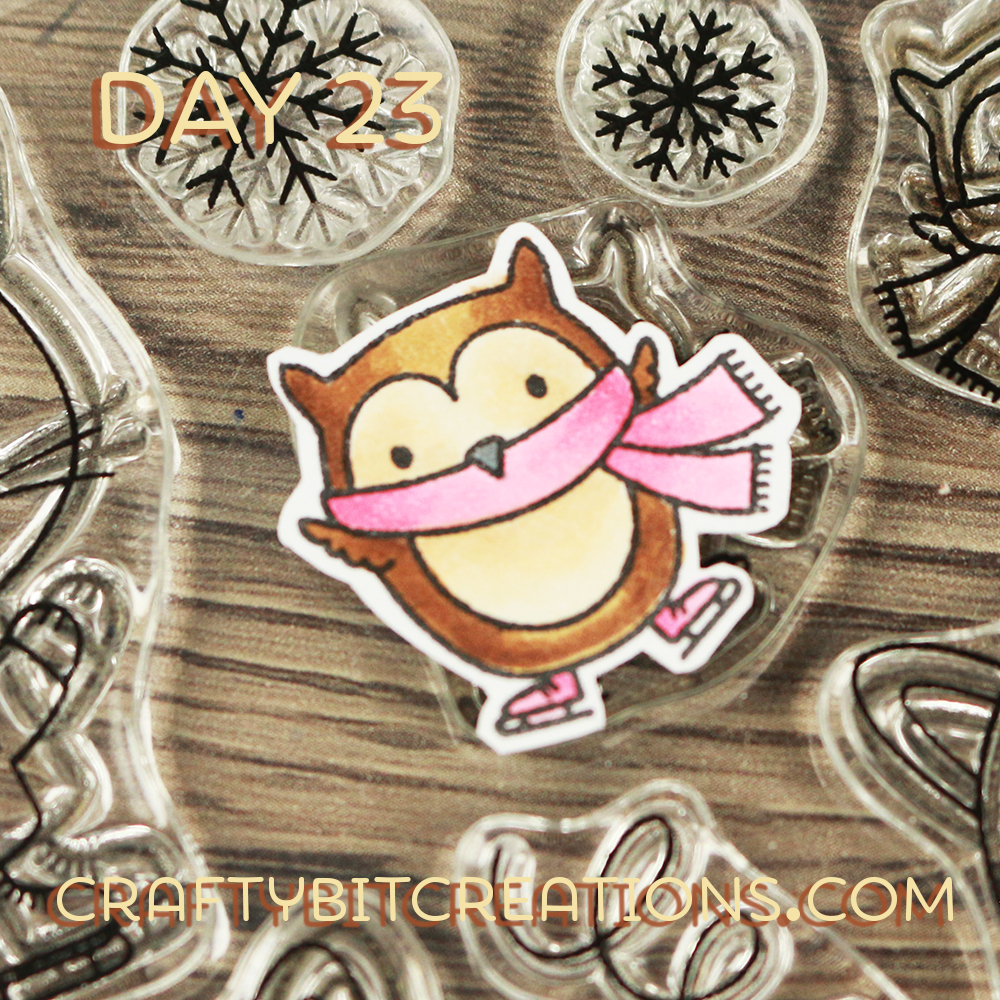
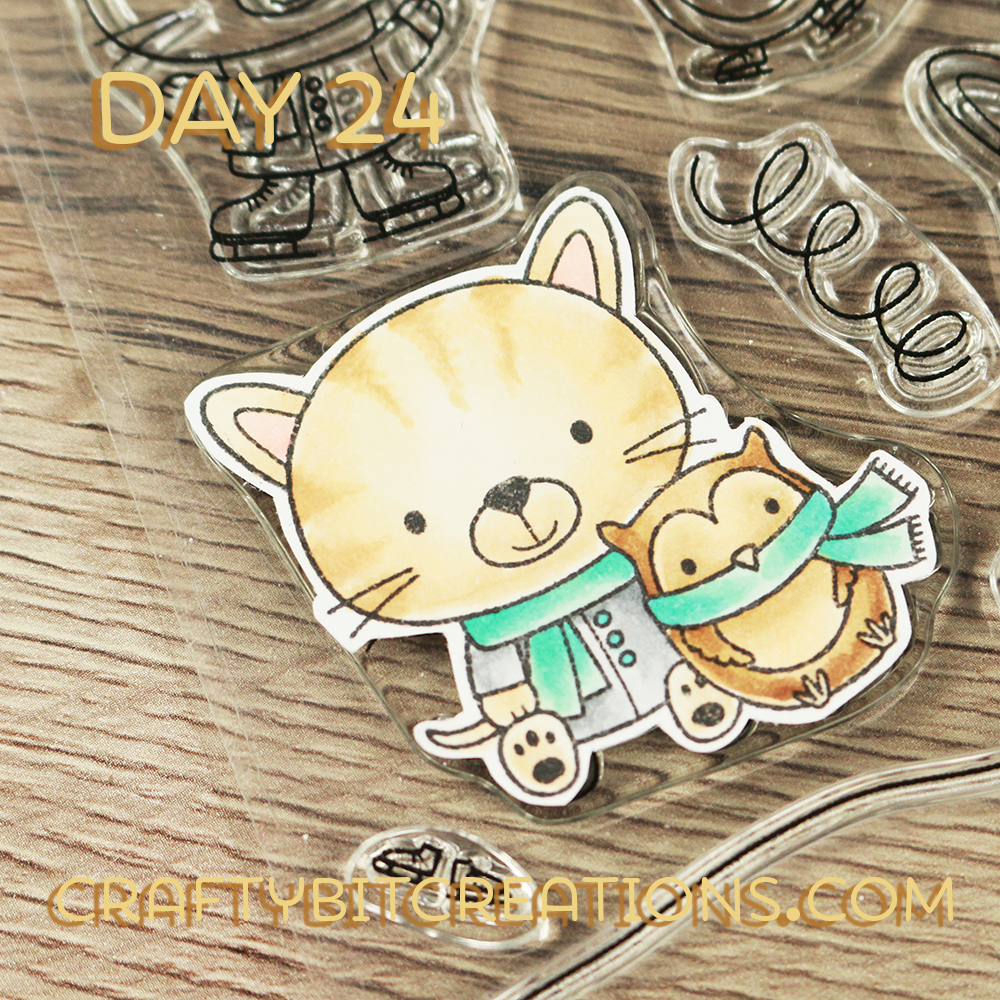
Day 23-24 – Coloring Challenge – Cats and Owls

Hi Everyone!

Still catching up and while I edit the rest of the videos I thought I would get day 23 and 24 up to you 🙂 Both of the stamps colored is from the You Make My Heart Melt Stamp set, which really match the weather here in Sweden, it’s been snowing all day! Hope you enjoy these while I try to get the rest of the videos up too 🙂

Copic:
Day 23: E50, E51, E53, E55, E57, E59, RV21, RV23, RV25, N4
Day 24: E50, E51, E53, E55, E57, E59, BG10, BG32, BG45, N0, N2, N4

Supplies: